Best Free AI Tools in 2026 (Actually Free)
Direct answer: The best free AI tools in 2026 are the free plans of the big tools, not obscure apps with “free” in their name: a free AI chatbot for writing and learning, Canva’s free plan for design, a free transcription tool for meetings, and free tiers of notes and audio tools. They are genuinely useful — as long as you know their limits before you depend on them.
Key takeaways
“Free AI tools” is the second most-searched AI-tools phrase we compared on Google Trends, behind only “best AI tools”. A free plan is a real product, not a demo, but every free plan has a limit: messages per day, exports per month, or features held back for paid users. The safest way to use free AI tools is to try one tool on one real job, learn its limit, and only pay when that limit blocks work you already do weekly. Never paste private client data, passwords or unpublished work into a free tool without checking its privacy terms.
What “free” really means
Free plan: a permanent free version with limits. This is the most common and the most useful kind.
Free trial: full access for a few days, then payment. Good for testing, bad for building a workflow on.
Freemium with locked exports: you can create, but downloading or publishing in full quality costs money. Check this before you invest hours in a tool.
The best free AI tools in 2026, by job
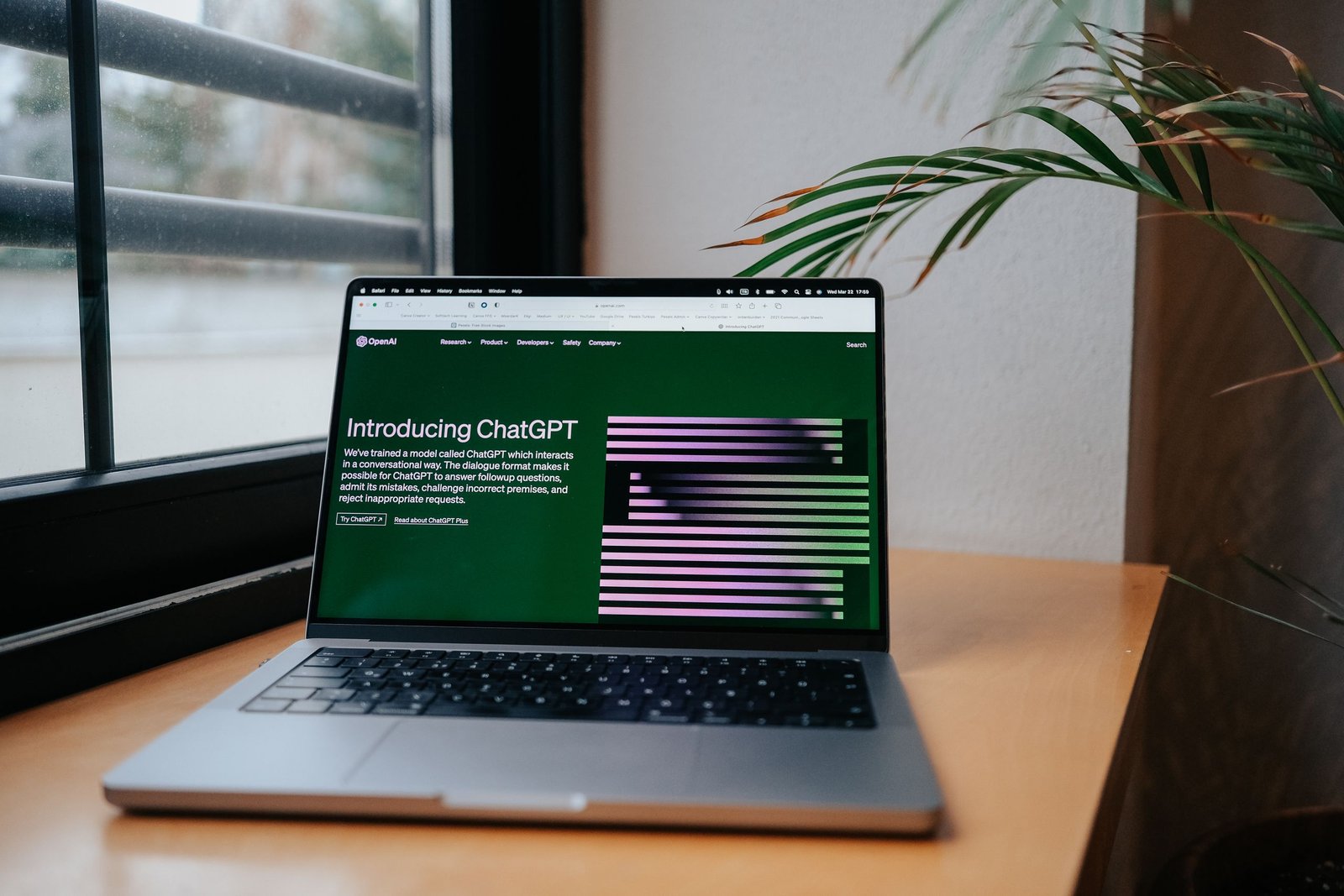
- Writing and learning: free AI chatbots (ChatGPT, Claude, Gemini) — draft, brainstorm, summarise, explain. Limits are usually messages per day and slower responses at busy times.
- Design: Canva free plan — social posts, blog images, thumbnails, presentations.
- Editing: free grammar checkers — catch typos, mixed tenses, unclear sentences.
- Meetings: free transcription — turns a recorded call into searchable text; free plans usually limit minutes per month.
- Notes and organisation: free notes apps with AI — summarise notes, turn ideas into lists.
- Audio and video basics: free tools can remove background noise, generate captions, or cut silences; free tiers may watermark or limit export quality — always test an export before promising a deliverable.
The real limits of free AI tools
Usage caps, slower or older models, watermarks and exports, privacy trade-offs (some free tools use inputs to improve their product — do not paste private client information into tools whose terms you have not read).
How to start, a one-week plan
- Day 1-2: one free AI chatbot on one real task.
- Day 3-4: Canva free plan, one real visual.
- Day 5: a free grammar checker on everything you publish.
- End of week: keep the tools that saved time on real work, drop the rest.
Frequently asked questions
Are free AI tools really free, or is there a catch?
The tools above have permanent free plans, not just trials. The “catch” is the limit.
Which free AI tool should I try first?
A free AI chatbot.
Can I run a business on free AI tools alone?
For starting out, yes; pay for a specific tool only when its limit blocks weekly work.
Are free AI tools safe for client work?
Yes if you check export quality and privacy terms.
When should I upgrade from free to paid?
When a free-plan limit blocks work you already do every week.
Final thought
The best free AI tools in 2026 are not a compromise — they are the right starting point. Start with one, use it on real work, and let the limits tell you what to pay for next. For a broader comparison, see our guide to the best AI tools in 2026.