
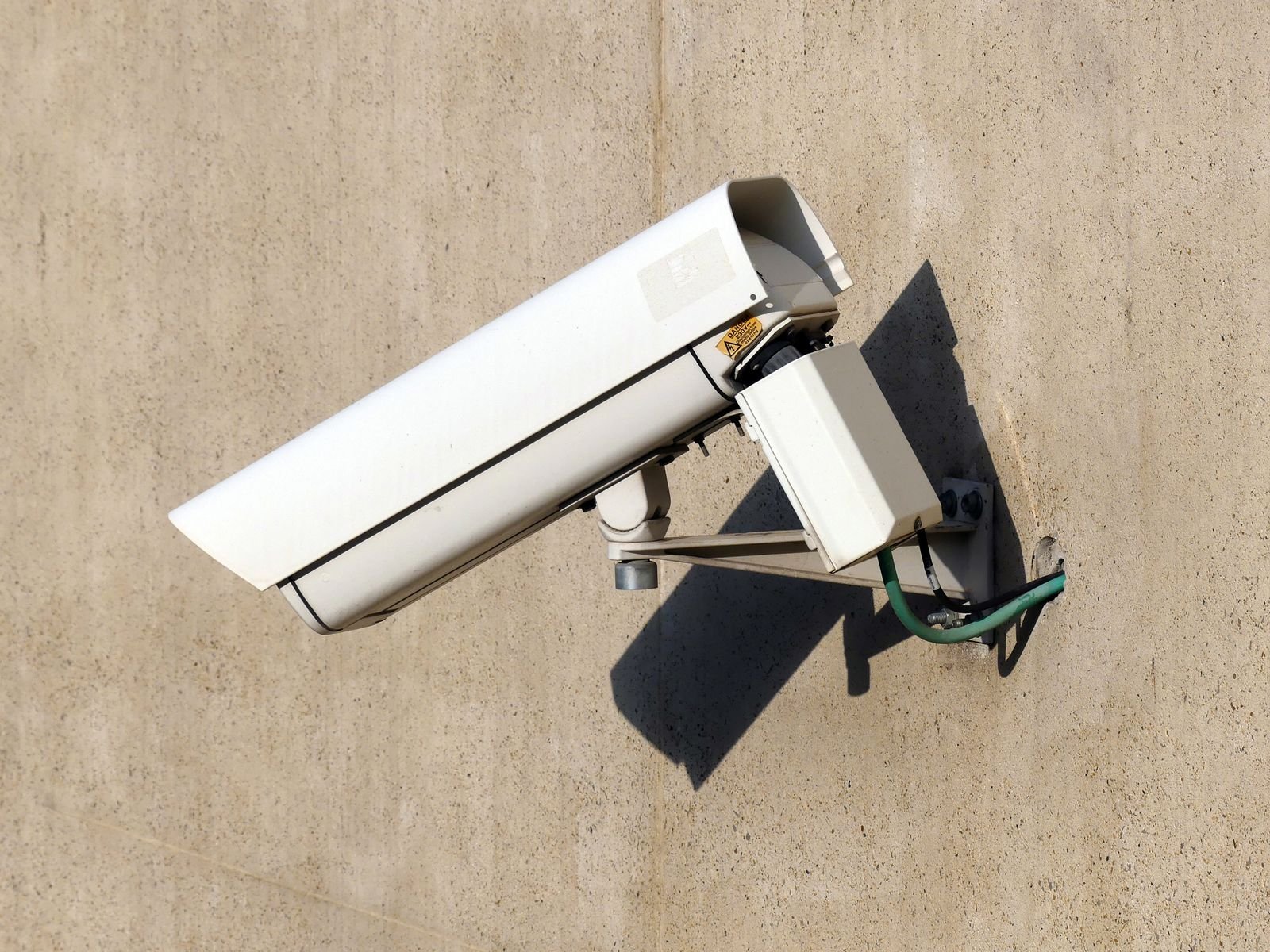
Home Security Camera Buying Guide: 9 Checks Before You Buy
Most people buy a home security camera the wrong way round. They compare prices first, pick the one with the biggest discount, and only discover the problems after it is on the wall — blurry night footage, a memory card that fills up in three days, or an app that charges a monthly fee just to show recordings.
This home security camera buying guide flips the order. Run these 9 checks before you spend anything, and you will know exactly which camera fits your home — and which ones to walk past.
The 9 checks at a glance:
- Start with the spot, not the specs
- Resolution: 2K is the sweet spot for most homes
- Field of view: wider is not always better
- Night vision: infrared vs colour
- Storage: the hidden cost nobody calculates
- Power: wired, battery or solar
- Smart detection: motion alerts vs AI person detection
- Privacy and account security
- Weather rating, app and warranty
1. Start With the Spot, Not the Specs
A camera’s job changes completely with its location, so decide the spot first.
A doorbell camera watches your doorstep and deliveries. An outdoor camera covers a driveway, yard or side gate, and needs weather protection and strong night vision. An indoor camera watches a nursery, pets or an elderly parent, where two-way talk and a privacy mode matter more than weatherproofing.
Buying one camera type for every job is the most common beginner mistake. Most homes end up needing four to six cameras: front door, back door, driveway, garage, and one indoor spot.
2. Resolution: 2K Is the Sweet Spot
Resolution decides whether your footage is evidence or just a blur.
- 1080p (Full HD) is fine for a small room or a quick check-in.
- 2K is noticeably sharper on faces and number plates, without huge storage demands. For most homes, this is the right buy.
- 4K helps at a front door or driveway where identification really matters, but it eats bandwidth and storage fast, and many 4K cameras quietly downscale the picture in the app anyway.
One feature matters as much as resolution: HDR (high dynamic range). Porches mix bright sunlight with deep shade, and HDR keeps a visitor’s face visible instead of turning it into a black silhouette.
3. Field of View: Wider Is Not Always Better
Field of view, measured in degrees, is how much one camera can see. Around 130 degrees is typical for outdoor cameras, and doorbells often go wider so you can see both a visitor’s face and a parcel on the ground.
But wider is not automatically better. A very wide lens spreads its pixels over a bigger area, so faces get smaller. For a front door or a narrow driveway, a 90–100 degree camera often identifies people better than an ultra-wide one. Match the angle to the spot.
4. Night Vision: Infrared vs Colour
Most incidents happen in the dark, so night vision deserves more attention than the spec sheet gives it.
Infrared (IR) night vision records in black and white in complete darkness. A range of about 30 metres covers a standard driveway. It works anywhere, but you get grey shapes, not detail.
Colour night vision uses a sensitive sensor, ambient light or a built-in spotlight to record in colour. Colour matters — the colour of a jacket or a car is often what identifies someone. If your street is dark, look at the camera’s low-light rating, not just the words “colour night vision” on the box.
5. Storage: The Hidden Cost Nobody Calculates
This is the check that saves the most money, because storage is where a cheap camera turns expensive.
Cloud storage keeps clips on the company’s servers. It survives theft and works from anywhere, but it is a subscription — typically a few dollars per month, per camera. Do the maths before you buy: 4 cameras at $10 a month is $480 a year, every year, for as long as you own the cameras.
Local storage — a microSD card in the camera, or a recorder box (NVR) at home — has no monthly fee and keeps recording even if your internet drops. The trade-off: if someone steals the camera, the card goes with it.
Here is a worked example of card life. A 2K camera recording around the clock at roughly 2 Mbps uses about 21 GB a day, so a 128 GB card holds around 6 days. Switch that same camera to motion-only recording — say 2 hours of real events a day — and it uses under 2 GB a day, so the same card lasts roughly 70 days. Same camera, same card, ten times the history.
Also check what stops working without a plan. On some cameras the subscription only buys storage. On others, person detection and even your video history sit behind the paywall too.
6. Power: Wired, Battery or Solar
- Wired cameras never need charging and record reliably, but you can only put them where power already reaches.
- Battery cameras go anywhere and install in minutes, but you will be recharging them every few weeks or months — awkward if the camera is mounted high.
- Solar cameras pair a battery with a small panel and mostly look after themselves, as long as the panel gets sun.
Pick power per spot: wired for the driveway you watch all day, battery or solar for the side gate you cannot reach with a cable.
7. Smart Detection: Motion Alerts vs AI Person Detection
Basic motion detection alerts you when anything moves — a person, a cat, a tree shadow, a curtain. After a week of false alarms, most people mute the app, and the camera stops protecting anything.
AI detection separates people, vehicles and animals from random movement, so the alerts you get are the ones that matter. It is the same shift behind how technology and AI are changing everyday life: the camera stops just recording and starts understanding. Before buying, confirm whether person detection is free on the device or locked behind the subscription.
8. Privacy and Account Security
A security camera is itself a security risk if you set it up carelessly.
- Turn on two-factor authentication on the camera app, and use a strong, unique password.
- Check that the camera encrypts its video stream.
- Never point an indoor camera at bedrooms or bathrooms, and tell everyone in the house where the cameras are.
- Prefer a camera with a physical privacy shutter or a privacy mode for indoor use.
9. Weather Rating, App and Warranty
For any outdoor camera, look for an IP65 rating or better — that means it shrugs off rain and dust. Check the operating temperature range if your summers or winters are extreme.
Spend two minutes on the app before buying: read recent reviews, and check whether it works with the smart home system you already use, such as Alexa or Google Assistant. If you are building a smart home setup, the camera should fit the tools you already have, the same way the best AI tools in 2026 fit into one workflow instead of fighting each other.
Finally, check the warranty and how easy returns are. Cameras live outdoors in hard conditions; a two-year warranty is worth more than a small price cut.
Quick Mistakes to Avoid
- Buying an indoor camera for an outdoor spot
- Choosing 4K everywhere and filling your storage in days
- Forgetting the subscription when comparing prices
- Mounting a battery camera somewhere you cannot reach to recharge it
- Skipping the Wi-Fi check — stand where the camera will go and test your signal there first (weak signal? learn how to fix slow Wi-Fi at home before you blame the camera); most cameras need the 2.4 GHz band
Home Security Camera Buying Guide: FAQs
How many security cameras does a home need?
Most homes need four to six: front door, back door, driveway, garage, and one indoor spot. Start with the entry points and add more only if a blind spot remains.
Is 2K better than 1080p for a home camera?
Yes, for most homes. 2K shows faces and number plates more clearly than 1080p without the heavy storage and bandwidth cost of 4K, which is why it is the sweet spot in this home security camera buying guide.
Do home security cameras work without Wi-Fi?
Yes, if the camera records to a local microSD card or a recorder box. You lose live viewing and phone alerts while the internet is down, but the recording keeps going.
How long will a 128 GB memory card last in a security camera?
Recording around the clock, roughly 6 days at 2K. On motion-only recording, the same card can hold around 70 days, because the camera only saves real events.
Do I need a subscription for a home security camera?
No — not if the camera supports local storage and includes person detection without a plan. A subscription mainly buys cloud backup and longer video history.
The Bottom Line
The best home security camera is not the one with the longest spec sheet. It is the one that fits the spot, records clearly at night, stores footage without draining your wallet, and sends alerts you can trust.
Run the 9 checks in this home security camera buying guide against any model you are considering, and the right choice usually becomes obvious. For more practical tech guides like this one, browse the Tech section here on RankPostHub — new guides are added regularly.


One Comment